Electric Heating Mouse Pad for Warm Hands at Your Desk
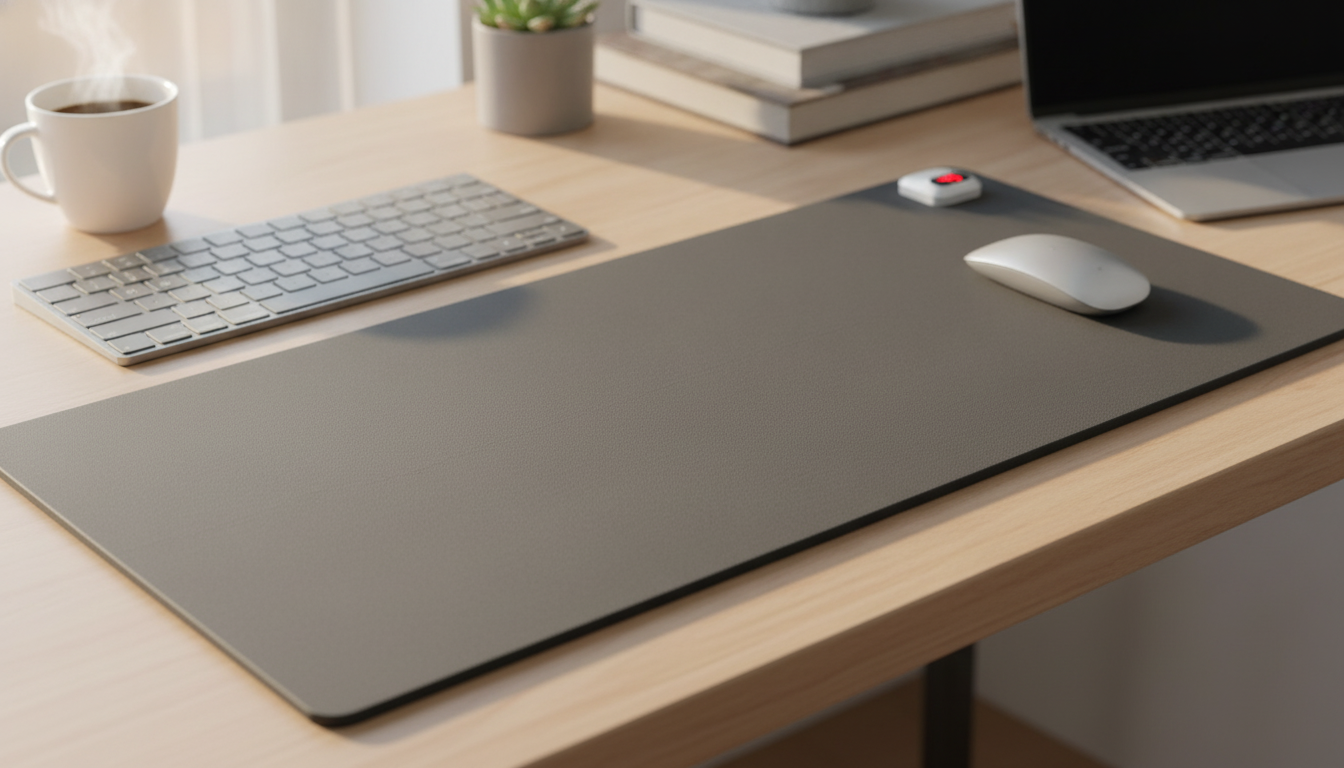
Electric Heating Mouse Pad: Warm Comfort for Cold Offices and Home Desks
Cold hands can make even simple computer tasks feel uncomfortable. A heated mouse pad adds gentle warmth to the surface where the hand rests, helping keep fingers more comfortable during long work or gaming sessions. This guide covers how heated mouse pads work, what to look for, safety and care, and who benefits most.
What a heated mouse pad does
A heated mouse pad is designed to warm the area where your mouse hand naturally sits—typically the palm and lower fingers—so chilly rooms feel less distracting. Instead of turning up the thermostat (or juggling a space heater), it puts warmth exactly where you feel it most during desk work.
- Provides a warmed surface under the hand to reduce the discomfort of drafty rooms.
- Pairs desk comfort with everyday mouse use, so warmth is available without a separate heater.
- Useful for office work, studying, gaming, and creative setups where the hand stays in one area.
Because it targets a small zone, a heated pad is often used as a “micro-comfort” accessory—especially in shared offices where the thermostat is set for the whole building, not for individual comfort.
How it works at the desk
Most electric heating mouse pads use a thin internal heating element that spreads low, steady warmth through the top surface. They’re built to feel pleasantly warm—not scorching—so your hand can rest there for extended periods without the “hot spot” sensation that some heating gadgets create.
- Typically uses a thin heating element inside the pad to warm the top surface.
- Powered through a USB connection or a wall adapter depending on the model.
- Many designs aim for steady warmth rather than high heat, prioritizing comfort over extremes.
- Some versions include adjustable heat levels and timers to better match room temperature and daily routines.
Heated mouse pad feature guide
| Feature | Why it matters | What to look for |
|---|---|---|
| Heat levels | Adapts to changing room temps and personal comfort | At least 2–3 settings if available |
| Timer / auto shutoff | Adds safety and prevents accidental all-day heating | Auto-off options (e.g., 30–120 minutes) |
| Surface material | Affects mouse tracking and hand feel | Smooth fabric or micro-texture compatible with optical sensors |
| Base grip | Keeps pad stable during mouse movement | Rubberized non-slip base |
| Power and cable length | Determines where it can be placed on the desk | USB power and a cable long enough for routing |
Comfort and ergonomics: getting the most benefit
Warmth is only part of a comfortable setup. The way the pad sits on your desk can affect how your wrist and forearm feel after hours of work. A heated mouse pad works best when it supports a relaxed, neutral posture.
- Place the pad so the wrist and palm can rest naturally without bending upward.
- Keep the forearm supported (chair armrest or desk edge support) to reduce wrist strain.
- If the pad is compact, consider pairing it with a separate wrist rest if preferred.
- Warmth can feel stronger when the room is very cold—start on a lower setting when available.
Small adjustments help: route the cable so it doesn’t tug the pad, keep the mouse sensitivity where you don’t “death-grip” the mouse, and allow a little space for your hand to settle comfortably on the warmed area.
Safety, power use, and daily care
Heated desk accessories are straightforward to use, but they deserve the same basic attention you’d give any powered device. Safe habits also help the pad last longer and stay comfortable to touch.
For extra peace of mind when shopping for powered accessories, it can help to understand basic safety certification and recall resources. UL Solutions provides background on safety certification at https://www.ul.com/, and the U.S. Consumer Product Safety Commission maintains a recall database at https://www.cpsc.gov/Recalls.
Who it’s best for
A simple option to add desk warmth
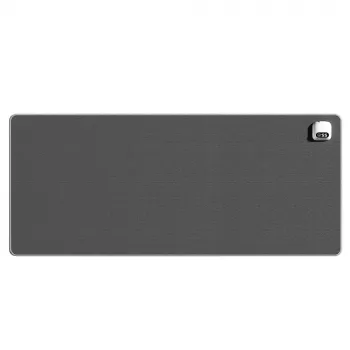
If the goal is quick, targeted comfort, the Electric Heating Mouse Pad is a compact way to keep the mouse-hand area warmer during work or play. It’s priced at $24.82 and currently in stock—well-suited for cold desks, winter home offices, and shared workspaces where the thermostat stays low.
For those building a broader warmth setup beyond the desk, a room-level wellness upgrade can also complement colder seasons. The 2-3 Person Low EMF FAR Infrared Sauna with Tempered Glass and App Control is an in-stock option for full-body heat at home—better suited to dedicated spaces and bigger comfort budgets.
FAQ
Is a heated mouse pad safe to use all day?
Many models are designed for steady, low warmth and may include timers or auto shutoff for added safety. For all-day use, avoid covering the pad, keep it on a flat surface, and unplug it when you’re away—always follow the specific product’s instructions and inspect the cable regularly.
Will a heated mouse pad affect mouse tracking?
Most optical mice track normally on fabric or micro-textured surfaces commonly used on heated pads. If tracking feels off, clean the surface, test a different DPI setting, and avoid placing glossy covers or uneven layers over the pad.
How do you clean a heated mouse pad?
Unplug the pad and let it cool completely, then wipe it with a slightly damp cloth. Don’t soak it, and let it fully dry before powering it back on; follow any care directions provided by the manufacturer.









Leave a comment