AI Scenic Drive Planner: Checklist, Hidden Gems & Routes
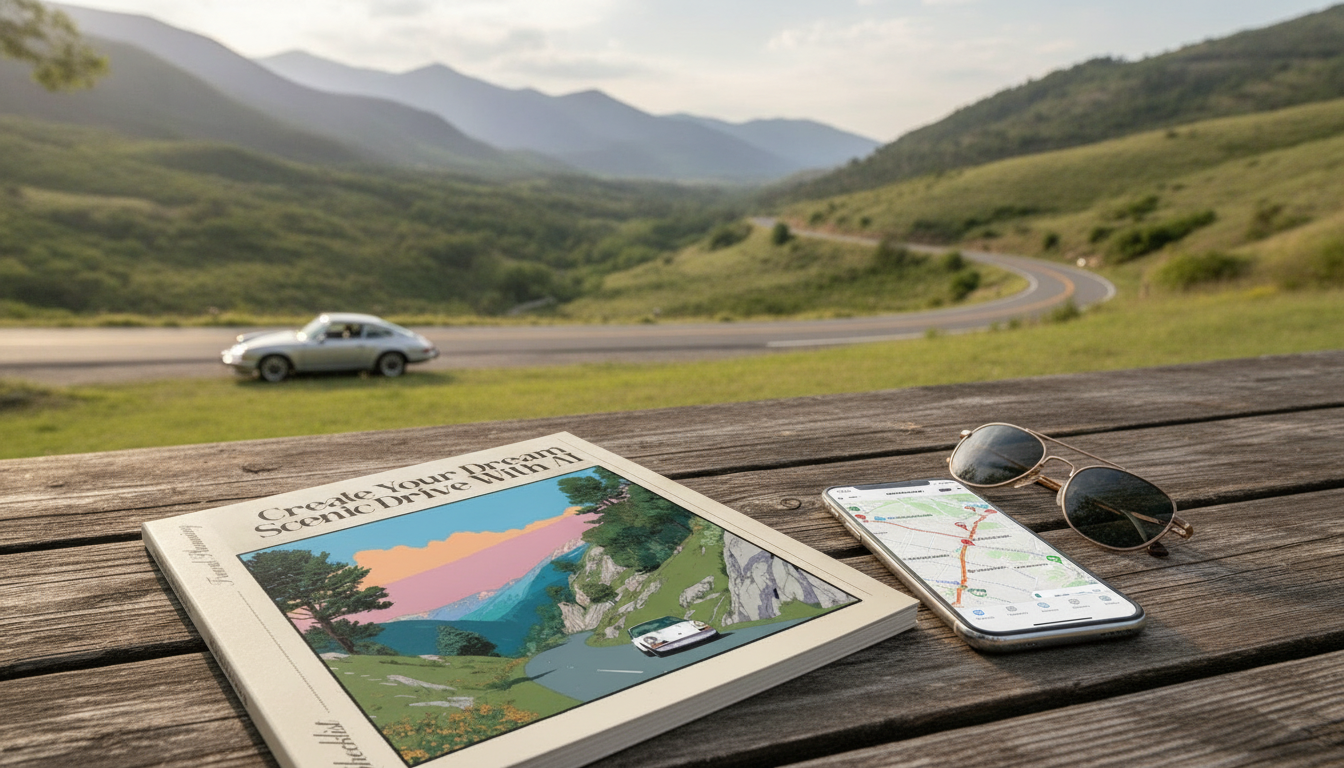
Create Your Dream Scenic Drive with AI: Checklist, Hidden Gems, and Smart Route Planning
Scenic drives feel effortless when the plan is smart: the right pace, the best light, fewer crowds, and memorable stops that don’t require endless tabs and guesswork. An AI route planner can help string together viewpoints, small towns, and must-see roads while keeping driving time realistic. Use the checklist below to build a route that’s beautiful, safe, and flexible—then refine it with a few simple inputs.
Start with the kind of scenery that matches the day
Before you map anything, decide what you want to feel on the road. AI tools work best when you give them a clear “north star” instead of a vague request for something pretty.
- Pick a primary theme: coast, mountains, desert, forests, lakes, vineyards, fall color, wildflowers, or night-sky routes.
- Choose vibe constraints: quiet roads, iconic overlooks, historic towns, waterfalls, or food-first stops.
- Set a realistic driving window: aim for 4–6 hours of wheel time so stops don’t feel rushed.
- Match highlights to light: sunrise for emptier lookouts, golden hour for canyon roads, midday for forests, evening for coastal cliffs.
If you like having a one-page flow you can follow without thinking, the printable plan in Create Your Dream Scenic Drive with AI – Ultimate Road Trip Checklist for Stunning Routes, Hidden Gems, and Smart Planning | ai route planner for scenic drives keeps the day focused on views instead of decision fatigue.
Feed the route planner the right inputs
The difference between a “fine” route and a truly smooth day usually comes down to constraints. Provide the basics, then add preferences that protect your time and energy.
- Lock non-negotiables: start point, end point, date, departure time, and total hours available.
- Add preferences: avoid highways, prefer scenic byways, minimize tolls, include ferry segments if applicable.
- Specify interests: short hikes (distance/elevation), photography pull-offs, farm stands, museums, beaches, hot springs, or breweries.
- Add constraints: EV range/charging needs, accessibility requirements, pet-friendly stops, bathroom frequency.
- Ask for alternates: request two routes (fastest scenic vs. most scenic) plus a weather backup.
Inputs that improve route quality
| Input | Example | Why it helps |
|---|---|---|
| Time budget | 6.5 hours driving max | Prevents an overstuffed plan and reduces fatigue |
| Scenic preference | Avoid interstates; prioritize byways | Keeps the route on roads built for views |
| Stops style | 2 major overlooks + 1 town + 1 short hike | Creates a balanced rhythm without constant detours |
| Mobility/access | No steep trails; paved viewpoints | Filters out stops that won’t work on arrival |
| Vehicle needs | EV: 250-mile range; fast chargers only | Ensures feasible charging and pacing |
| Weather fallback | If rain, prioritize towns + museums | Avoids scrambling when conditions change |
Build a “stunning route” loop that still feels easy
It’s tempting to stack every viewpoint, but the best scenic days have breathing room. A simple structure keeps you moving while still leaving space for surprises.
- Use a simple structure: anchor view → pleasant drive → destination stop → flexible bonus stop → lodging.
- Limit major stops: 3–5 meaningful stops per full day is often plenty once parking, photos, and short walks are included.
- Schedule micro-stops: quick pull-offs every 45–75 minutes reduce fatigue and keep the drive enjoyable.
- Plan for slowdowns: switchbacks, cyclists, wildlife, construction, and viewpoint traffic can stretch your ETA.
For long days in the car, keep essentials where you can reach them without digging. A roomy, easy-to-grab bag like the Luxury Large Capacity Bowling Shoulder Bag with Sausage Dog Pendant works well for snacks, sunscreen, a small first-aid kit, and charging gear—especially when you’re hopping in and out at overlooks.
Find hidden gems without wasting hours
Hidden gems are only “gems” if they don’t derail the day. The trick is to make AI hunt within boundaries that protect your main route.
- Ask for “locally loved” categories: small bakeries, roadside diners, short interpretive trails, quiet beaches, historic bridges.
- Use a distance rule: only add stops within 10–20 minutes of the main line unless it replaces another stop.
- Prioritize clear access: parking notes, trail length, seasonal closures, and opening hours.
- Cross-check one detail: scan recent reviews, park alerts, or road conditions before you commit.
For road and park updates, it helps to check official sources: the National Park Service trip planning guidance, current conditions via the NOAA National Weather Service, and established scenic corridors from the Federal Highway Administration’s National Scenic Byways.
The ultimate road trip checklist (print-ready flow)
Smart planning for common road trip curveballs
Turn the plan into a clean, shareable itinerary
FAQ
How long should a scenic-drive day be?
Plan for about 4–6 hours of driving time, then add stops on top of that. Scenic roads run slower than map estimates due to curves, pull-offs, and traffic near viewpoints, so include a 20–30% buffer and keep major stops to a manageable handful.
How can an AI route planner help find hidden gems without constant detours?
Set a maximum detour limit (like 10–20 minutes) and ask for specific categories such as viewpoints, short hikes, or local food. Then confirm one access detail—parking, hours, or closures—so the “gem” doesn’t turn into a time sink.
What should be downloaded or saved for areas with poor cell service?
Download offline maps for the region, pin your top stops, and save the route in more than one navigation app. Keep screenshots of reservations or permits and note key addresses and emergency numbers so you can navigate even when signal drops.











Leave a comment